Prezi gets every student thinking for themselves.
Prezi's AI drafts live quizzes, polls and Games from your slides. You choose what runs. Your students work out the answers, on any device.
Students join on any device, with no app or login.Chromebooks, phones, tablets and computers.

Question 2 of 3
According to Barry Schwartz, what can too many options do?
Tap an answer to try it
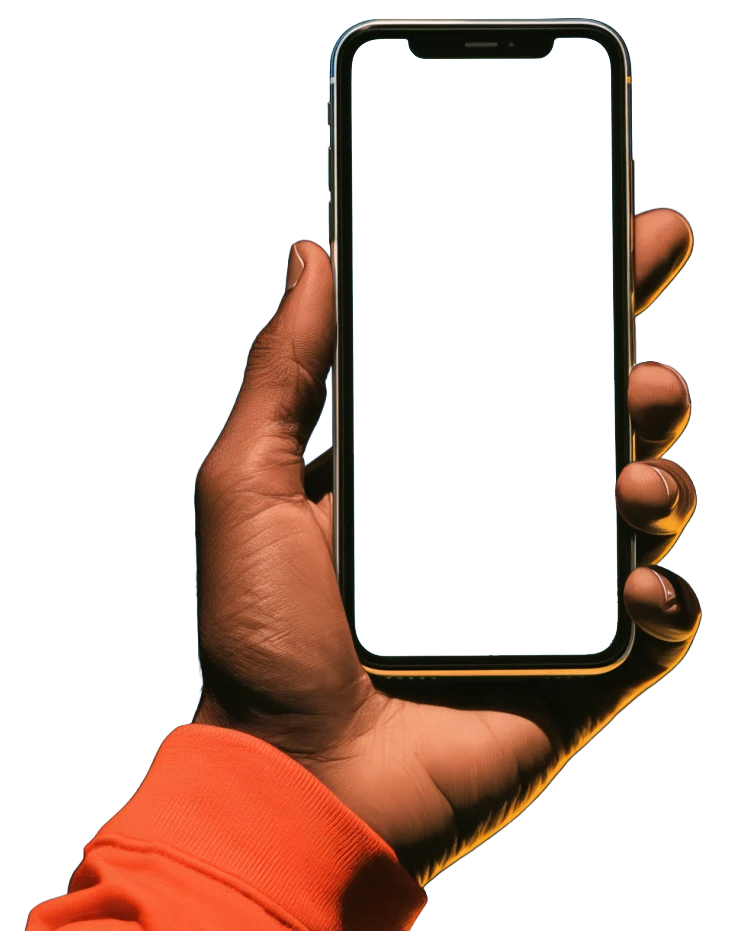
Get started in 60 seconds. Start with PowerPoint, Google Slides, Canva, a PDF, or a sentence about what you're teaching.
Most AI hands students answers. Prezi helps you hand them questions.
Answer tools finish the work, so nobody can tell what was learned. Prezi's AI starts from your lesson and drafts the practice. You decide what runs, and your class works through it together, where you can see it.
| Most AI hands students answers. Prezi helps you hand them questions. | AI that answers for students | Prezi's AI |
|---|---|---|
| Starts from | AI that answers for students:The assignment itself | Prezi's AI:Your lesson and your judgment |
| Who decides what matters | AI that answers for students:The model | Prezi's AI:You |
| What the AI makes | AI that answers for students:A finished answer | Prezi's AI:Practice for your class to work through |
| What students do | AI that answers for students:Copy, paste, submit | Prezi's AI:Answer, play, apply, discuss |
| What you see | AI that answers for students:Work that proves nothing | Prezi's AI:Results by question, so you know what landed |
Learning sticks when students do the work.
Learning research points one way: ideas last when students work to recall and use them. So the effort is the point. Prezi's AI takes the prep off your plate and leaves that effort with your class.
- 01
Recall
Pulling an idea from memory makes it stick better than hearing it again.
Prezi's AI drafts quizzes and flashcards from your content for you to review.
- 02
Frequent checks
Short check-ins throughout a session beat one long listen.
Drop a poll or quiz after any slide in your timeline.
- 03
Participation
Students learn by doing, not by watching.
Polls and Games give every student a turn, on any device.
- 04
Feedback
Knowing what didn't land is how teaching adjusts.
Results by question show you where to go back.
Cornell's Center for Teaching Innovation recommends pausing lectures for activities and giving students timely feedback. Prezi helps you do both. Read Cornell's guide to active learning
You bring the lesson. Prezi's AI drafts. You decide.
Fixing a good draft takes minutes. Writing one from scratch takes an evening.
- 1
You bring what you know
Import from PowerPoint, Google Slides, Canva, PDF and more. Or describe what your class keeps getting wrong, and start there.
- 2
Prezi's AI drafts, you decide
Quizzes, polls, flashcards and Games drafted from your material. Keep, edit, move or remove any of them. Before you present, a final check lists everything that will run.
- 3
Your class does the thinking
Students join by QR code, with no app or login. Results stay hidden until you reveal them, and results by question show where to go back.
Every activity, in one place.
In class, with everyone
Live polls
Ask the room and see every answer on screen as it comes in.
Learn moreLive quiz
Check a concept before the next one builds on it.
Learn moreQ&A
Questions from every seat, upvoted by the room.
Learn moreWord cloud
A live picture of the room's thinking, built as they answer.
Learn more
On their own time
Flashcards
Recall practice drafted from your material.
Practice quiz
Low-stakes practice students can take whenever they're ready.
Self-test
Students check what they know after class, before it fades.
Every round is a call your students have to make.
Prezi turns your lesson into a Game the whole class plays together, on any device, with no app or login. Each one is built around a kind of thinking, and each one is editable like any other activity.
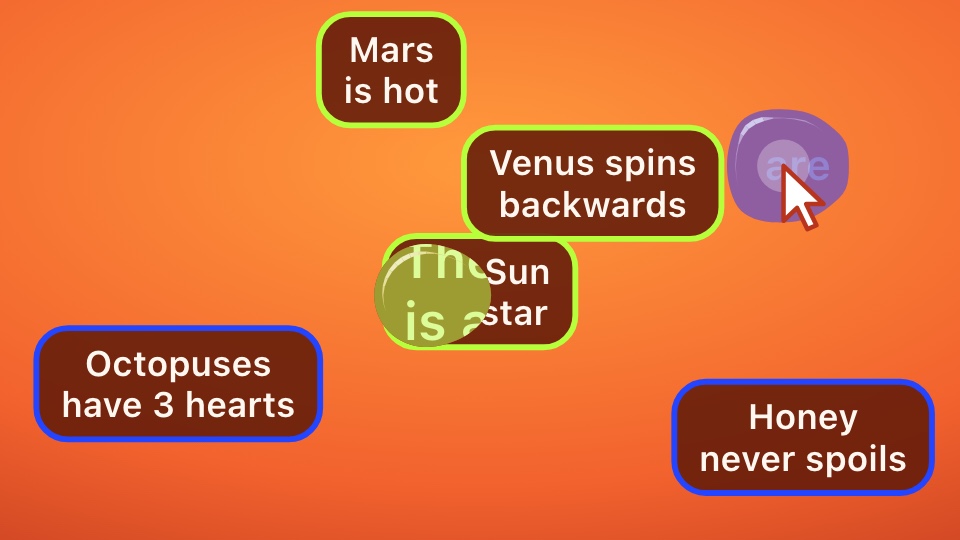 True or false recall
Jelly Game
Swallow the true statements, dodge the false ones. Fast, and loud.
Play an example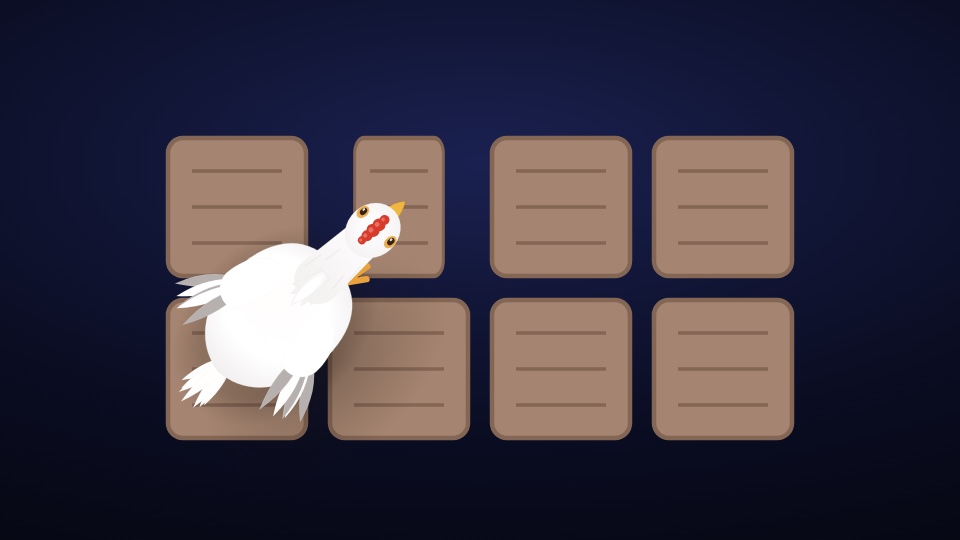 Weighing claims
Smarter than a chicken?
Take turns against a chicken, calling each statement true or false.
Play an example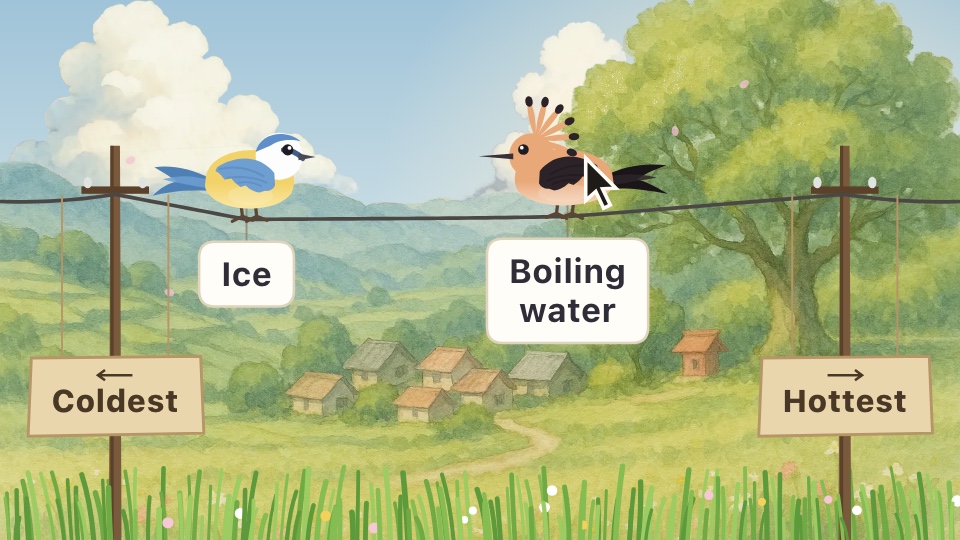 Sequencing
Sort with Birds
Put each bird in its place on the wire, by time, size or step.
Play an example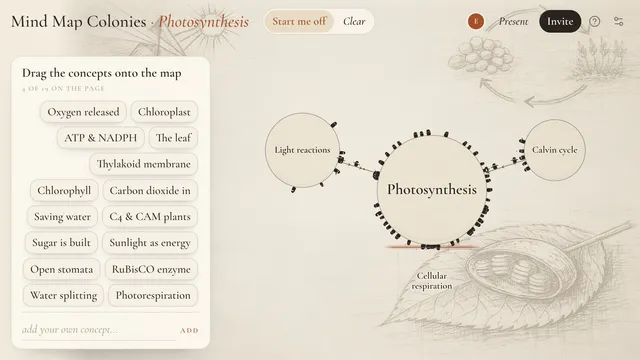 Connecting ideas
Mind Map Colonies
The whole class drags ideas together to build one connected map.
Play an example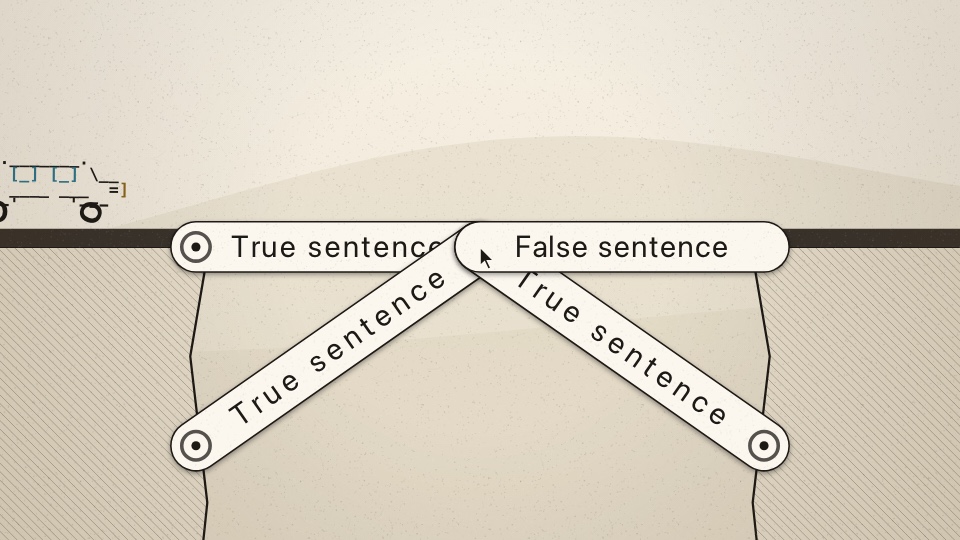 Testing claims
Sentence Bridge
Build a bridge from sentences. True ones hold, false ones snap.
Play an example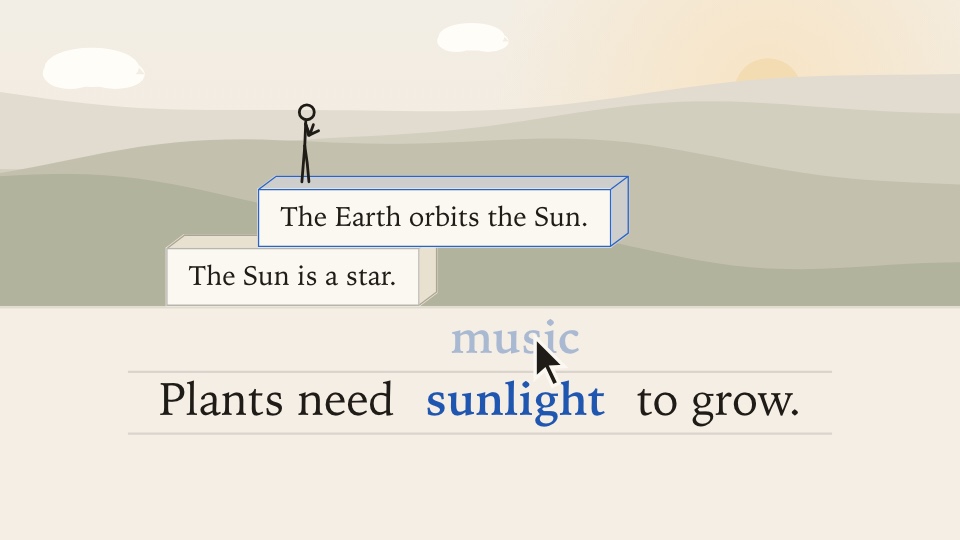 Fixing statements
Stairway to Knowledge
Roll the words until the sentence is true, then climb a step.
Play an example- Exploring
Zoom Adventure
Start from one big picture and choose where to look closer.
Play an example 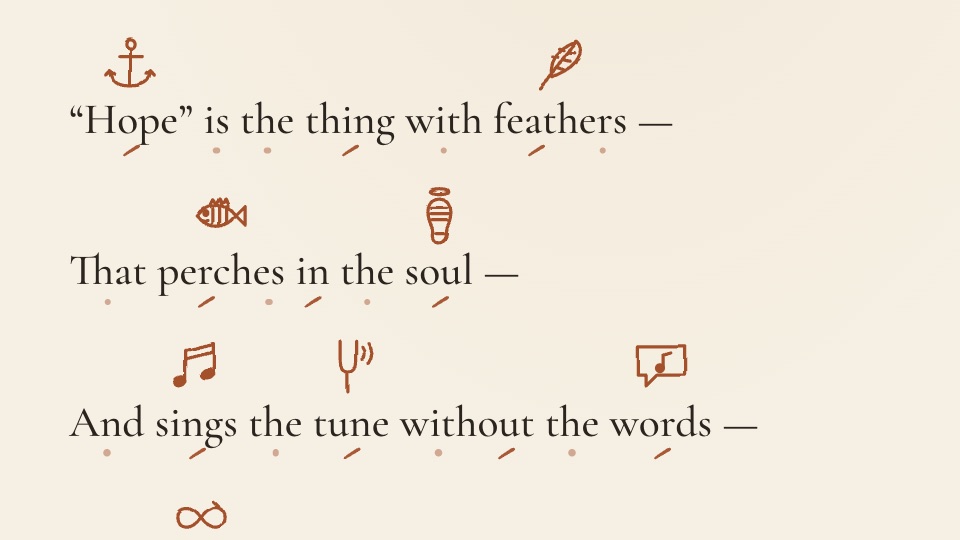 Memorizing
Recitation Scribbler
Breaks a poem into short lines, with a sketch over each key word.
Play an example
Proof that it sticks.
“I work with Fortune 100 companies and consistently get asked, 'How do you do that? What tool is that?' Prezi makes me far more professional and leaves a lasting impression.”
“I used Prezi at a global event attended by several heads of state — a unique experience for many in the audience.”
“I don't know, seriously, where I would have been in my educational career had it not been for Prezi. My student success and their growth came from the content I presented as I taught.”
- presenters
- 170M+
- presentations created with Prezi
- 500M+
- countries where Prezi is used
- 195+
Questions teachers ask
Does AI do the learning for my students?
No. Prezi's AI helps you prepare the practice. Your students still recall, apply and discuss the material themselves. Every activity is built for them to think through, not skip.
Can't students just use AI to get the answers?
Live activities happen in the room, in real time, with the whole class answering together, and results by question show you where understanding breaks down. Practice quizzes and self-tests are low stakes, so there's little to gain from a shortcut.
How does Prezi's AI draft activities?
Prezi reads the content you bring, like your slides, a PDF or a description of what you're teaching, and drafts quizzes, polls, flashcards and Games from it. You review each one before anything reaches your class.
Can I edit the activities and Games?
Yes. Every question, answer and Game can be edited, moved or removed. You can also add your own activities anytime with "Add activity" in the editor.
What content can I start from?
Import from PowerPoint, Google Slides, Canva, PDF and more. Or describe what you're teaching and start from there.
Do students need an app or account?
No. Students join from any device by scanning a QR code, with no app to download and no login.
Can I control what students see?
Yes. Results stay hidden until you choose to reveal them, and results by question show you which ideas need another pass.
What Games are there?
There are eight so far, from fast true-or-false rounds like the Jelly Game to mind maps the whole class builds together. Each works on any device with no login, and every Game is editable like any other activity.
What is active learning?
Active learning means students engage with the material by answering, discussing, applying and explaining ideas, rather than only listening. Prezi supports it by drafting polls, quizzes and Games from your lesson, so you can pause for practice at the right moments.
Bring your next lesson. Build the practice around it.
Start from slides you already have, or a sentence about what your class keeps getting wrong.
Try it now