

NodePort is a Kubernetes Service type that exposes applications outside the cluster through a port on each Node.
- External Access allows traffic from outside the cluster to reach the application.
- NodePort exposes the Service on a port available on the cluster Nodes.
- Application Access forwards incoming traffic to the Pods running the application.
- Node IP users can access the application using the Node's IP address and NodePort.
Working
NodePort service will exposes the pods of node to the another and also it will expose the pods to the outside of the cluster from where the users can aceses from the internet by using the IP address of node and port.
Following is the sample YAML file for NodePort Service.
apiVersion: v1
kind: Service
metadata:
  name: my-service
spec:
  selector:
    app: my-app
  type: NodePort
  ports:
    - protocol: TCP
      port: 80
      targetPort: 80
- API Version defines The Service uses
v1as its API version. - Kind tells The resource type is
Service. - Port Defines the port on which the Service exposes the application.
- TargetPort Defines the port on which the Pod listens for incoming traffic.
Portis the Service port, whiletargetPortis the Pod's application port.
Steps To Use
Step 1: Create an NGINX Deployment
Create a file named deployment.yaml:
apiVersion: apps/v1
kind: Deployment
metadata:
  name: nginx-deployment
spec:
  replicas: 2
  selector:
    matchLabels:
      app: nginx
  template:
    metadata:
      labels:
        app: nginx
    spec:
      containers:
        - name: nginx
          image: nginx:latest
          ports:
            - containerPort: 80
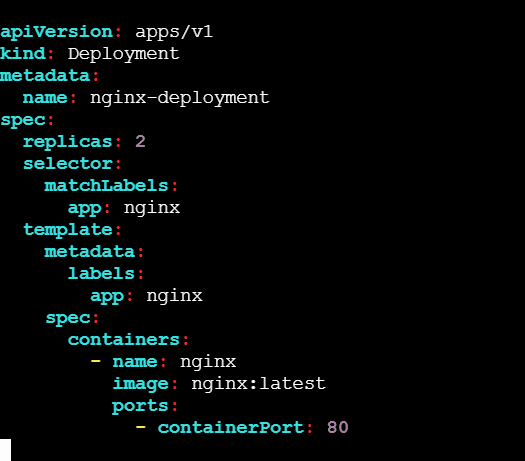
Apply the configuration:
kubectl apply -f deployment.yamlStep 2: Create a NodePort Service
Create the service.yaml configuration:
apiVersion: v1
kind: Service
metadata:
  name: nginx-nodeport
spec:
  type: NodePort
  selector:
    app: nginx
  ports:
    - port: 80
      targetPort: 80
      nodePort: 30080
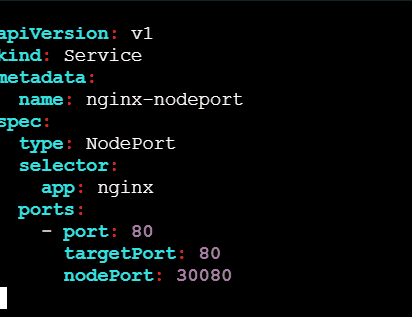
Apply the configuration:
kubectl apply -f service.yamlStep 3: Verify the Service
kubectl get svc nginx-nodeport
Step 4: Access the NGINX webpage
If Kubernetes is running on an EC2 instance, find its public IP:
http://YOUR_EC2_PUBLIC_IP:30080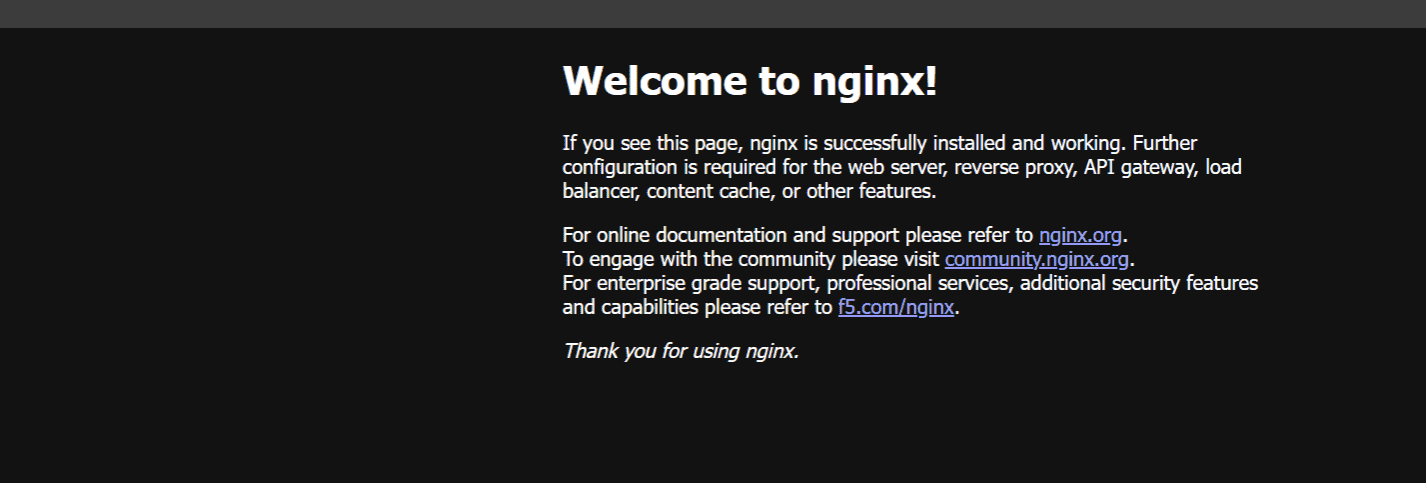
NodePort Vs ClusterIP
| Feature | NodePort | ClusterIP | LoadBalancer |
|---|---|---|---|
| Purpose | Exposes applications outside the cluster | Provides internal access within the cluster | Exposes applications externally through a cloud load balancer |
| Accessibility | Internal + External | Internal only | External |
| Traffic Source | External users and cluster services | Cluster services only | External users |
| Port | Uses a static port on each Node | Uses an internal ClusterIP | Uses an external load balancer IP |
| Use Case | Web applications and testing | Databases, APIs, and internal services | Production applications requiring external access |
| External Access | Node IP + NodePort | Not directly accessible from outside | Load balancer IP/DNS |
| Typical Environment | Development, testing, small deployments | Internal communication | Production environments |
