Method 1: Using Intl.NumberFormat()
- The Intl.NumberFormat() object is used to represent numbers in language-sensitive formatting. It can be used to represent currency or percentages according to the locale specified.
- The locales parameter of this object is used to specify the format of the number. The 'en-US' locale is used to specify that the locale takes the format of the United States and the English language, where numbers are represented with a comma between the thousands.
- The format() method of this object can be used to return a string of the number in the specified locale and formatting options. This will format the number with commas at the thousands of places and return a string with the formatted number.
Syntax:
nfObject = new Intl.NumberFormat('en-US')
nfObject.format(givenNumber)
Example:
<h1 style="color: green">
    GeeksforGeeks
</h1>
<b>
    How to print a number with commas as thousands
    separators in JavaScript?
</b>
<p>Output for '123456789': <span class="output"></span>
</p>

<button onclick="separateNumber()">Separate thousands</button>
<script type="text/javascript">
    function separateNumber() {
        givenNumber = 123456789;

        nfObject = new Intl.NumberFormat('en-US');
        output = nfObject.format(givenNumber);

        document.querySelector('.output').textContent = output;

    }
</script>
Output:

Method 2: Using toLocaleString()
- The toLocaleString() method is used to return a string with a language-sensitive representation of a number. The optional locales parameter is used to specify the format of the number.
- The locale 'en-US' is used to specify that the locale takes the format of the United States and the English language, where numbers are represented with a comma between the thousands. This will format the number with commas at the thousands of places and return a string with the formatted number.
Syntax:
givenNumber.toLocaleString('en-US')
Example:
<h1 style="color: green">GeeksforGeeks</h1>
<b>
    How to print a number with commas as thousands
    separators in JavaScript?
</b>
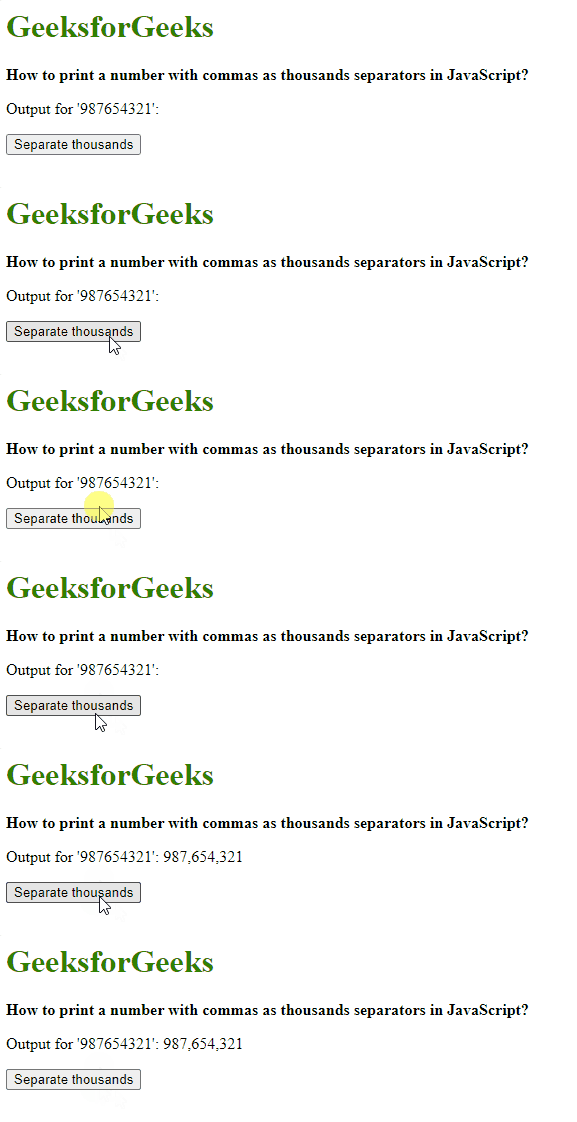
<p>Output for '987654321': <span class="output"></span>
</p>

<button onclick="separateNumber()">
    Separate thousands
</button>
<script type="text/javascript">
    function separateNumber() {
        givenNumber = 987654321;

        output = givenNumber.toLocaleString('en-US');

        document.querySelector('.output').textContent = output;

    }
</script>
Output: