

Figma Slides lets you create and present slide decks using Figma designs, text, images, and interactive prototypes.
- Figma Slides is used to create and present design presentations.
- Grid view helps review the overall slide arrangement.
- Presenter notes and transitions can improve presentation preparation.
- Interactive prototypes can be included to demonstrate designs.
Create a Design Presentation
1. Start a Slide Deck: Create a new Figma Slides deck from the Figma file browser. You can start with a blank presentation or use a template.
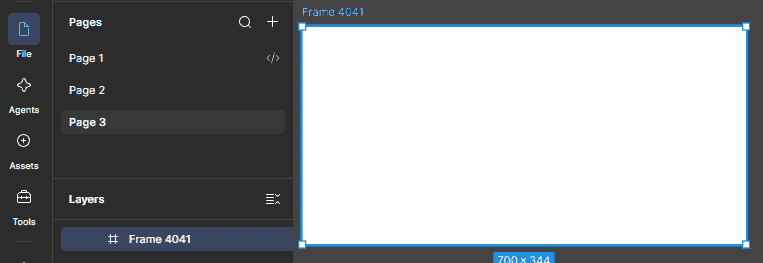
2. Organize the Slides: Use Slide view to edit a slide and Grid view to review the complete deck.
A design presentation may include:
- Problem or goal
- Design concept
- Key screens
- Prototype or interaction
- Final design
3. Add Design Content: Add text, shapes, images, and other supported content to your slides. You can also use available Figma design assets.

4. Add Presenter Notes: Presenter notes let you keep speaking points separate from the slide content. They can be viewed in presenter view while presenting.
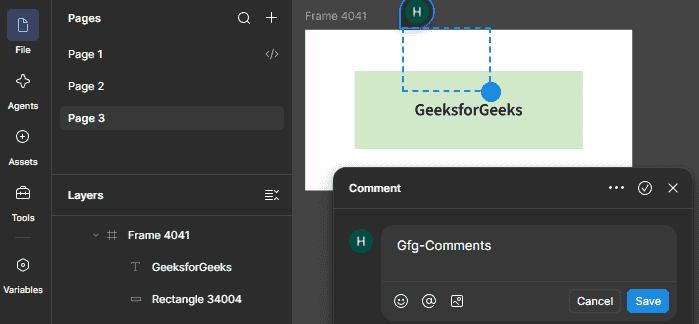
5. Add Slide Transitions: Use the Animate tab to add transitions between slides.
6. Add an Interactive Prototype: You can add a prototype from Figma Design to a slide to demonstrate how the design works.
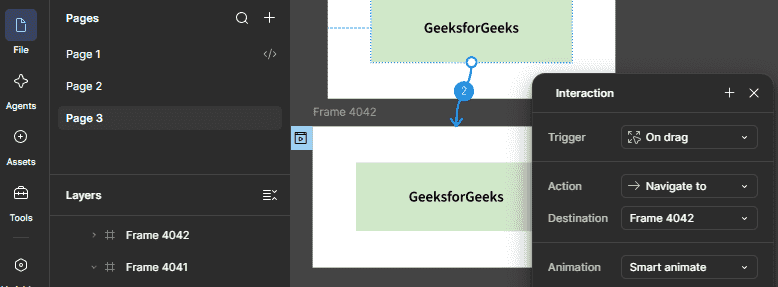
7. Review Before Presenting: Before presenting, check the slide order, content, presenter notes, transitions, and interactive elements.
Benefits of Design Presentations
- Organize a design story clearly.
- Combine designs and presentation content in one deck.
- Demonstrate interactive prototypes during a presentation.
- Use presenter notes to prepare talking points.
Limitations and Considerations
- Viewers may need access to an embedded prototype to interact with it.
- Prototype connections do not transfer when a slide deck is copied from Figma Design to Figma Slides.
- Some advanced design capabilities in Slides require Design mode access.
