


Network-Attached Storage systems may seem like something only a data hoarder would require, but they’re just as useful for the average user. Having a local backup server at your beck and call adds extra redundancy for your precious documents, and it’s just as useful for sharing files between multiple devices.
With modern NAS rigs shipping with powerful hardware and inexpensive prices, you can also turn them into makeshift home servers. After testing the virtualization and containerization prowess of my NAS units with a host of wacky experiments, I have to admit that there are certain projects that simply don’t mesh well with a device designed for storage tasks.
NAS devices are definitely great for self-hosting workloads
Storage-hungry services pair really well with a NAS





I recently wrote a piece on why the average storage server can double as a reliable hub for self-hosted applications, and I fully stand by what I said. Containers are a lot less taxing on the underlying hardware than their VM counterparts, and even the cheapest x86 NAS can run a handful of them without running into performance issues.
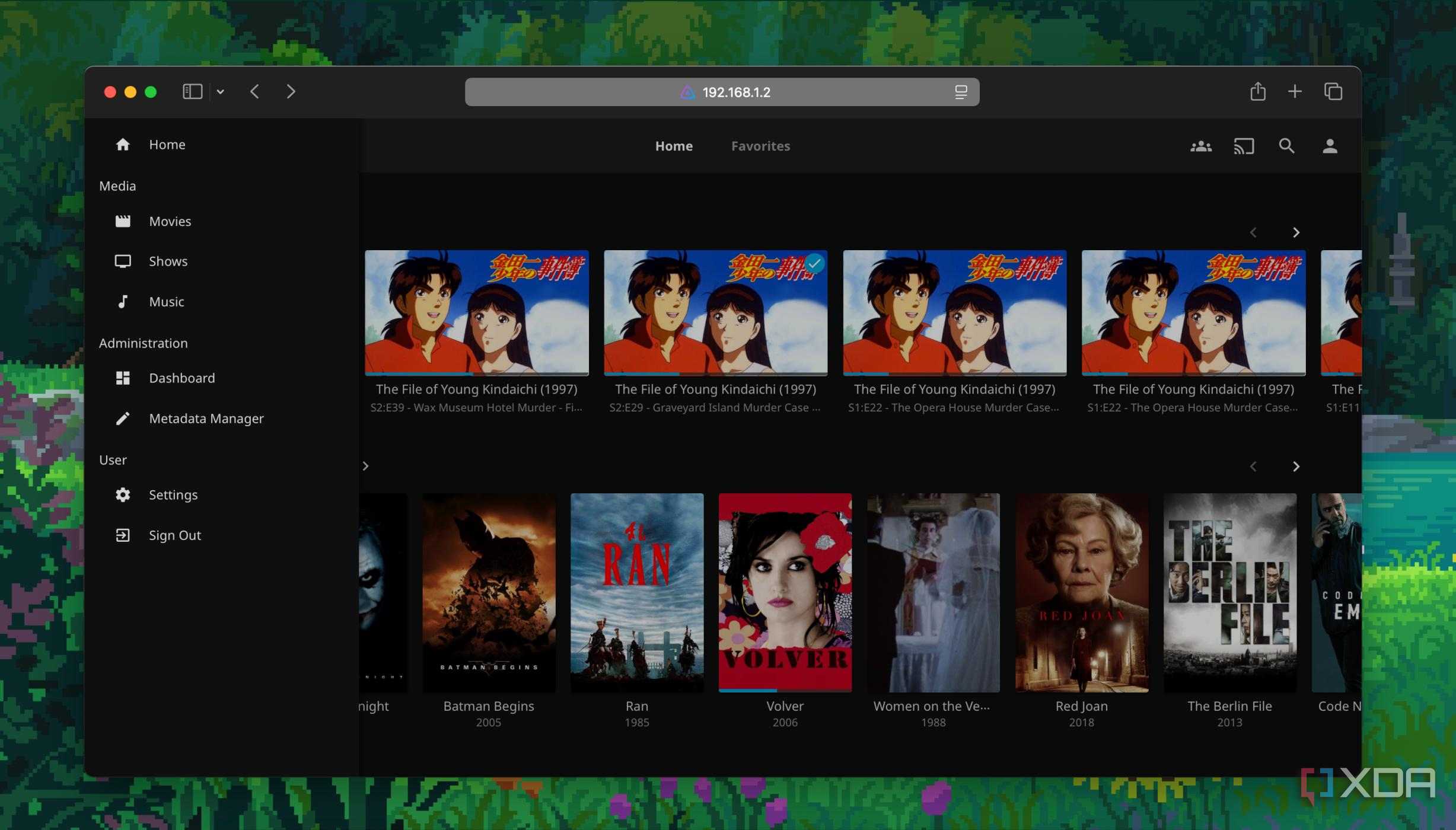
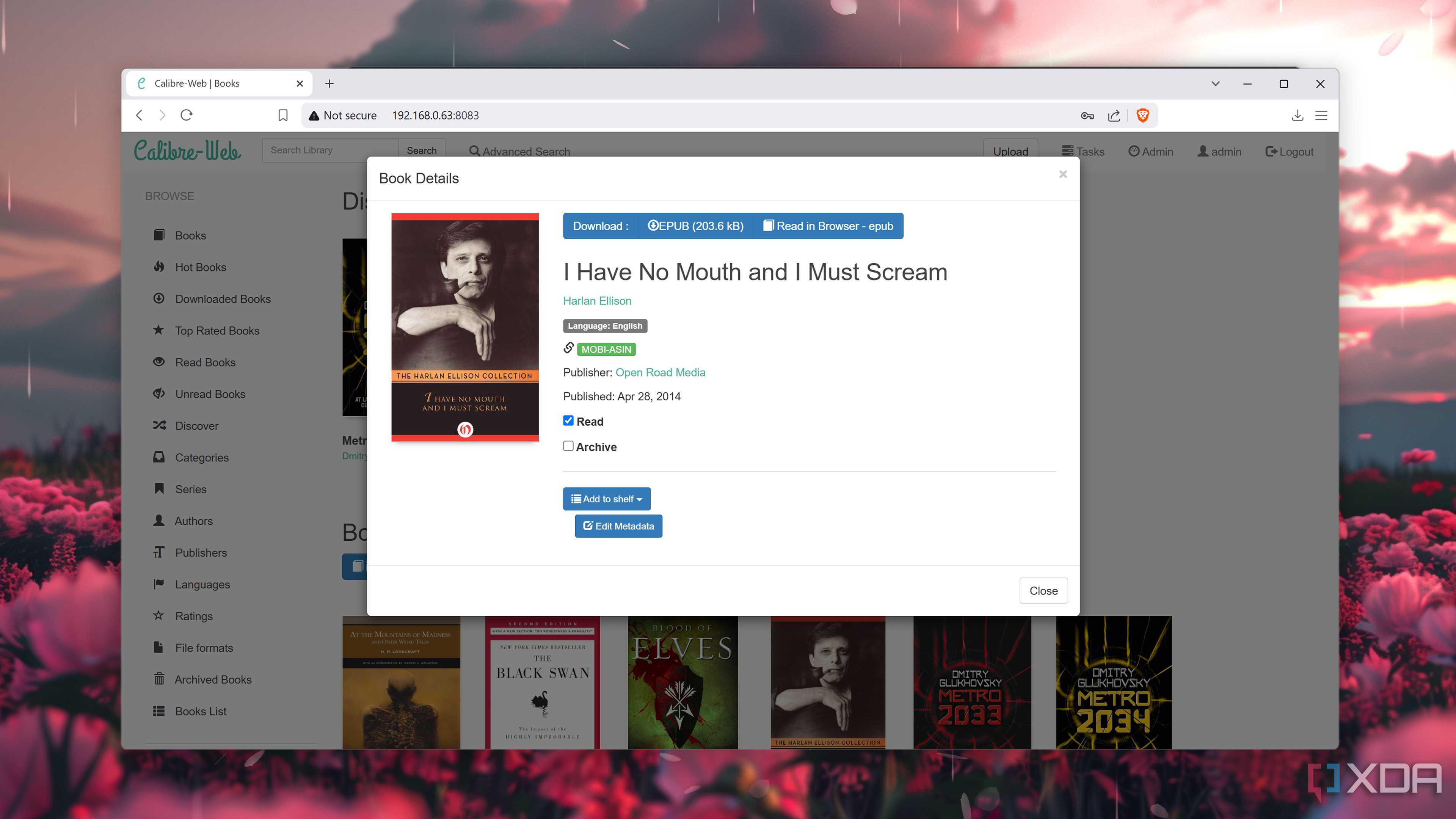
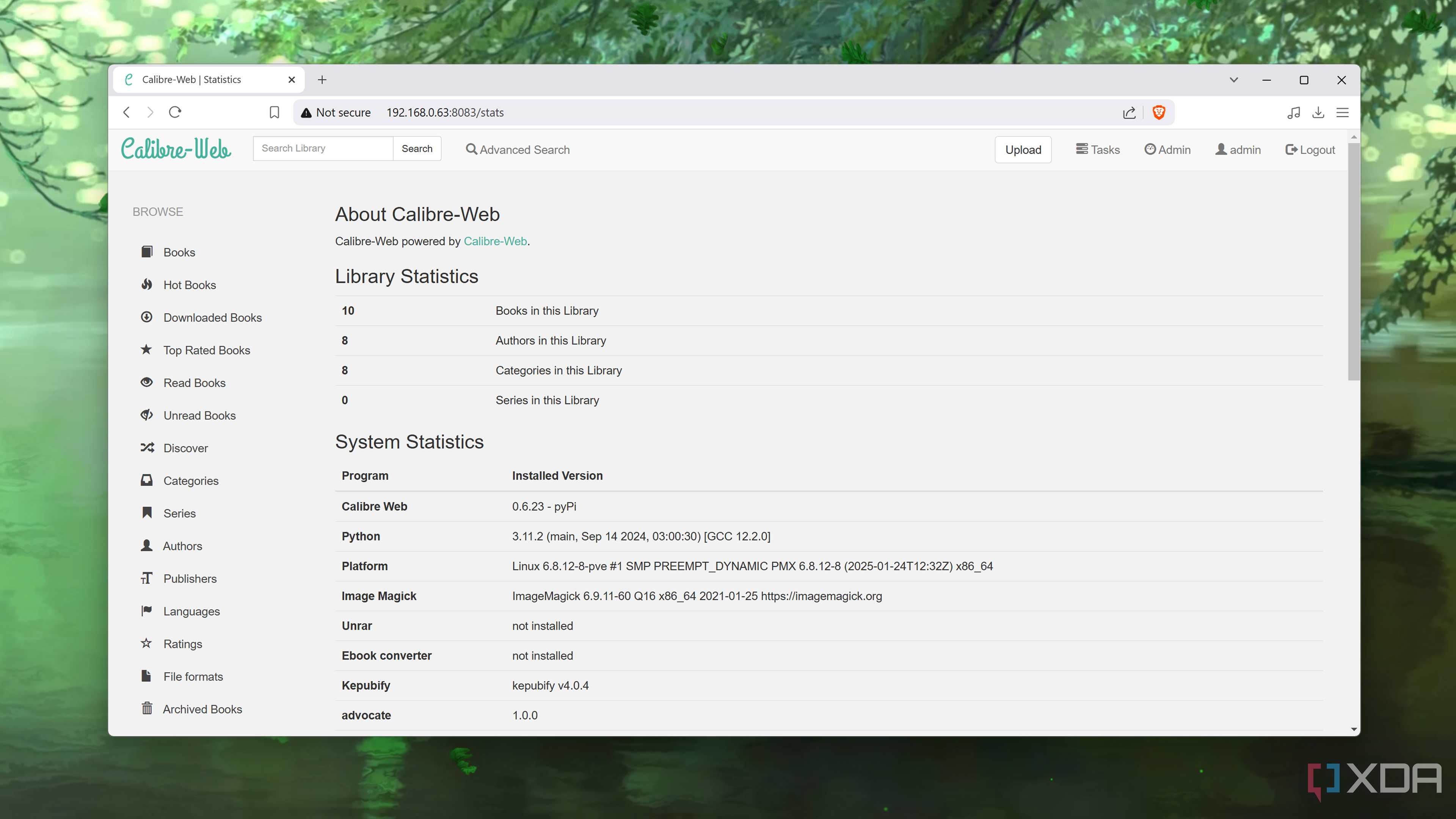
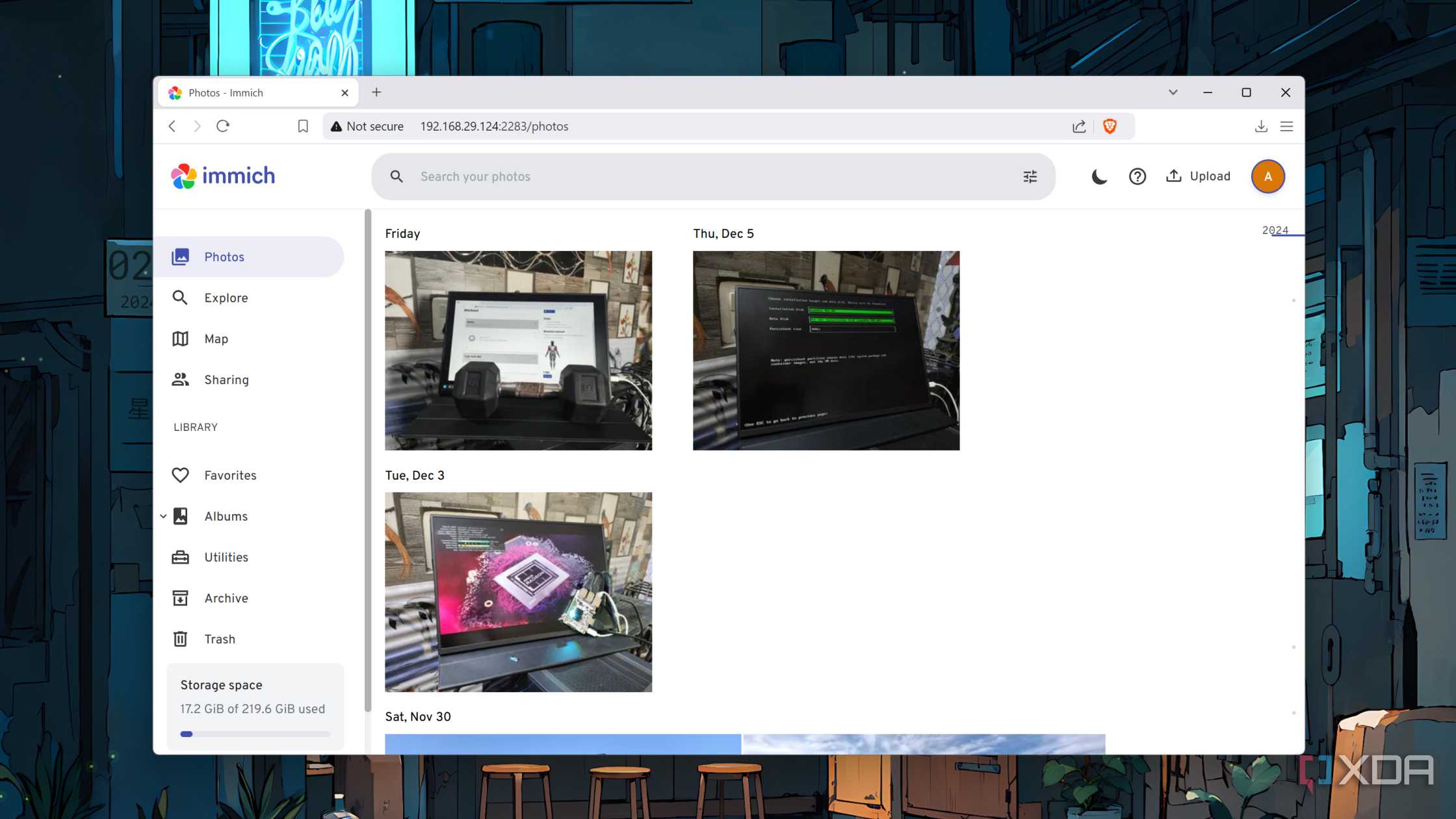
In fact, certain apps benefit from the excess storage provisions of a NAS. Take media server applications, for instance. RomM, Jellyfin, Immich, Calibre-Web, and a handful of other services can hog up quite a lot of space in a home server, especially when you’re as much of a hoarder as I am. I could technically deploy these apps on a typical server node and hook them up to my NAS using network shares. But between the restrictive nature of unprivileged containers and the sheer annoyance called NFS permissions, I’d rather rely on my NAS to store all the data managed by media-centric apps.
And so do apps meant to run 24/7


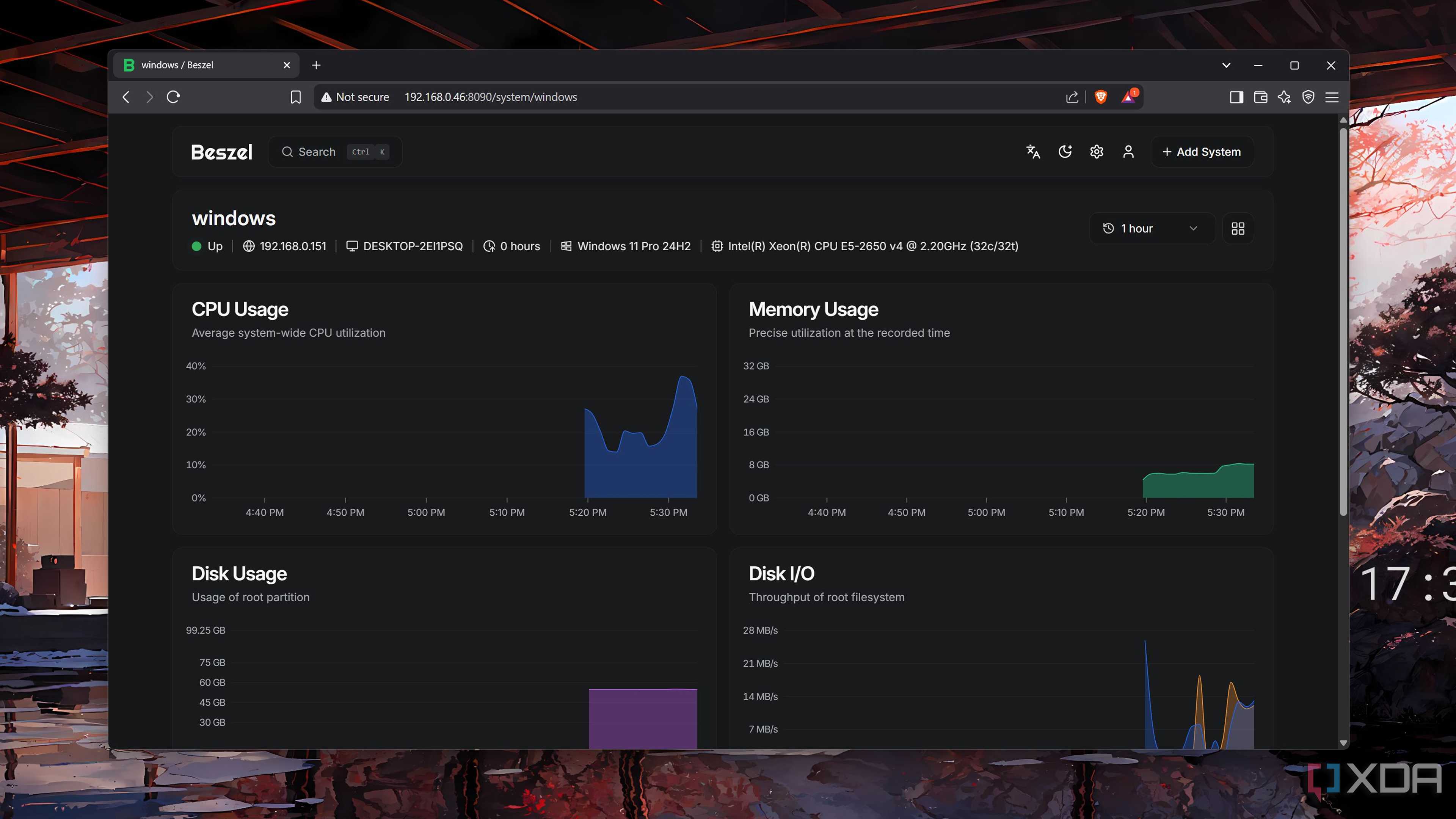


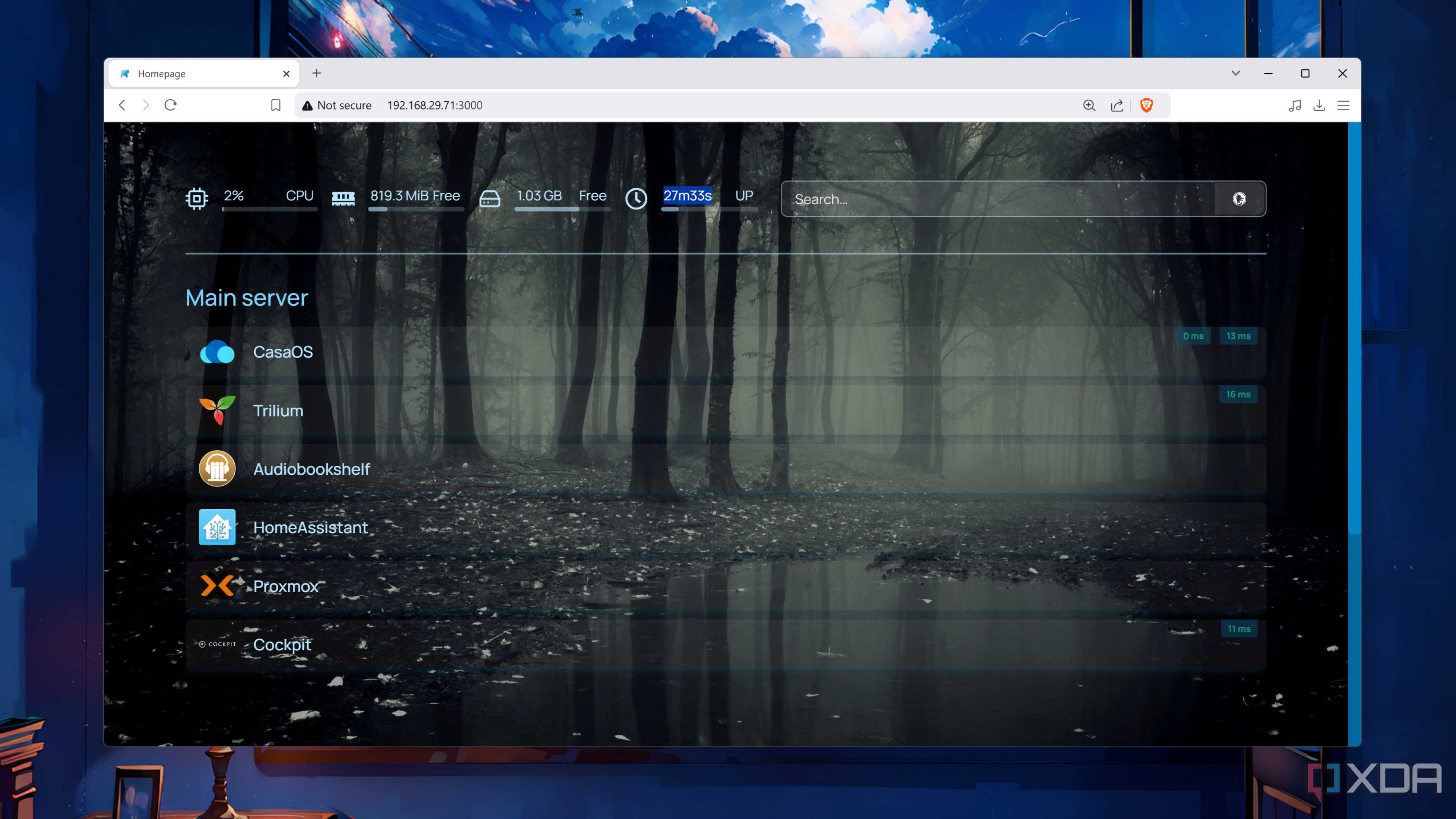
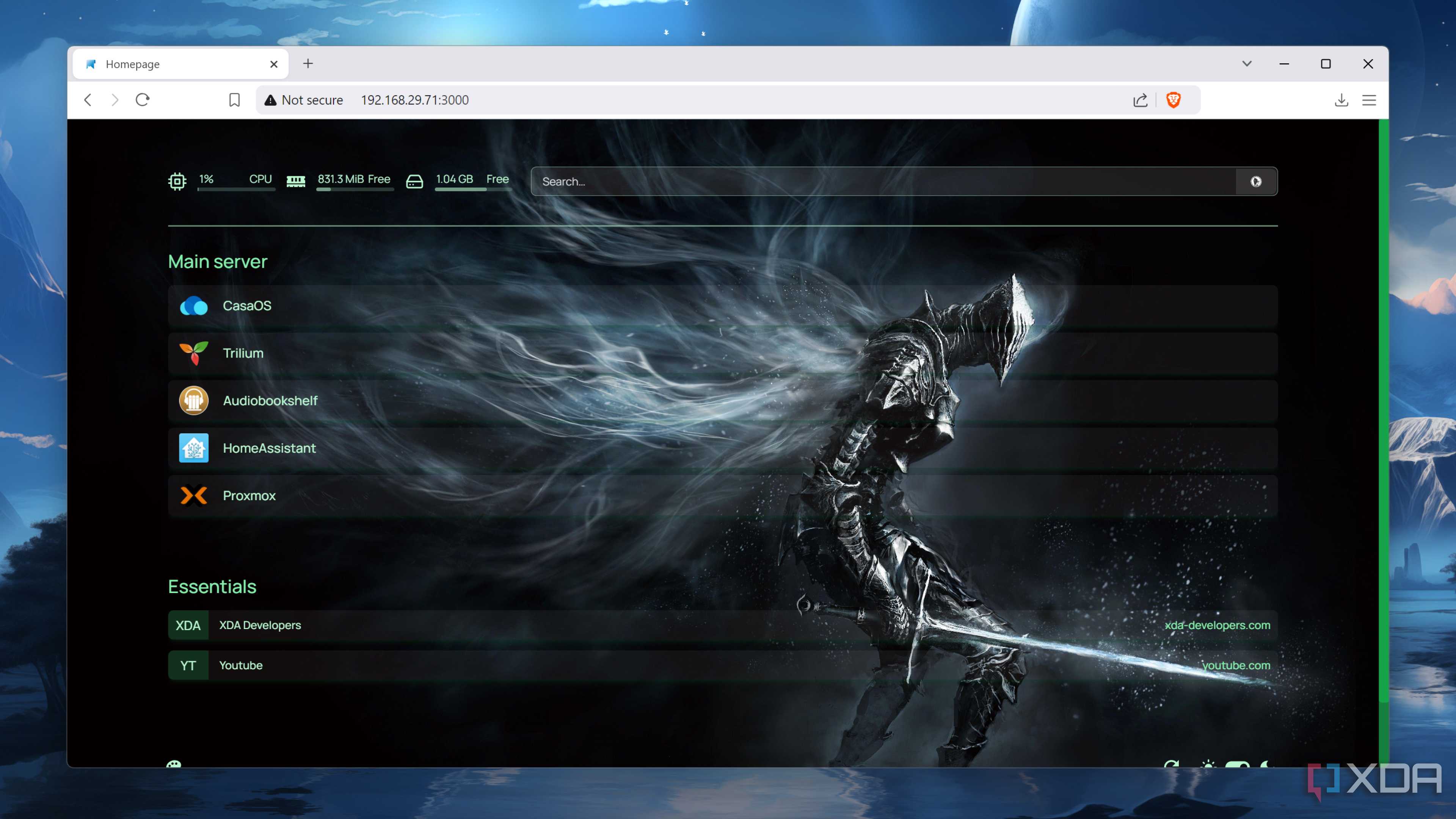
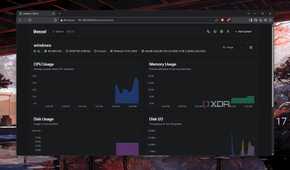
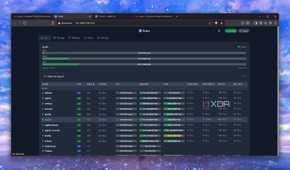

NAS rigs are often designed to run around the clock, and average prebuilt storage servers use energy efficient components with low idle wattage. Even on 4-bay NAS servers, the integrated mobile CPUs ensure your energy bills won’t hit the red zone if you keep them plugged in all the time. This makes a NAS perfect for mission-critical services that need to remain operational all day.
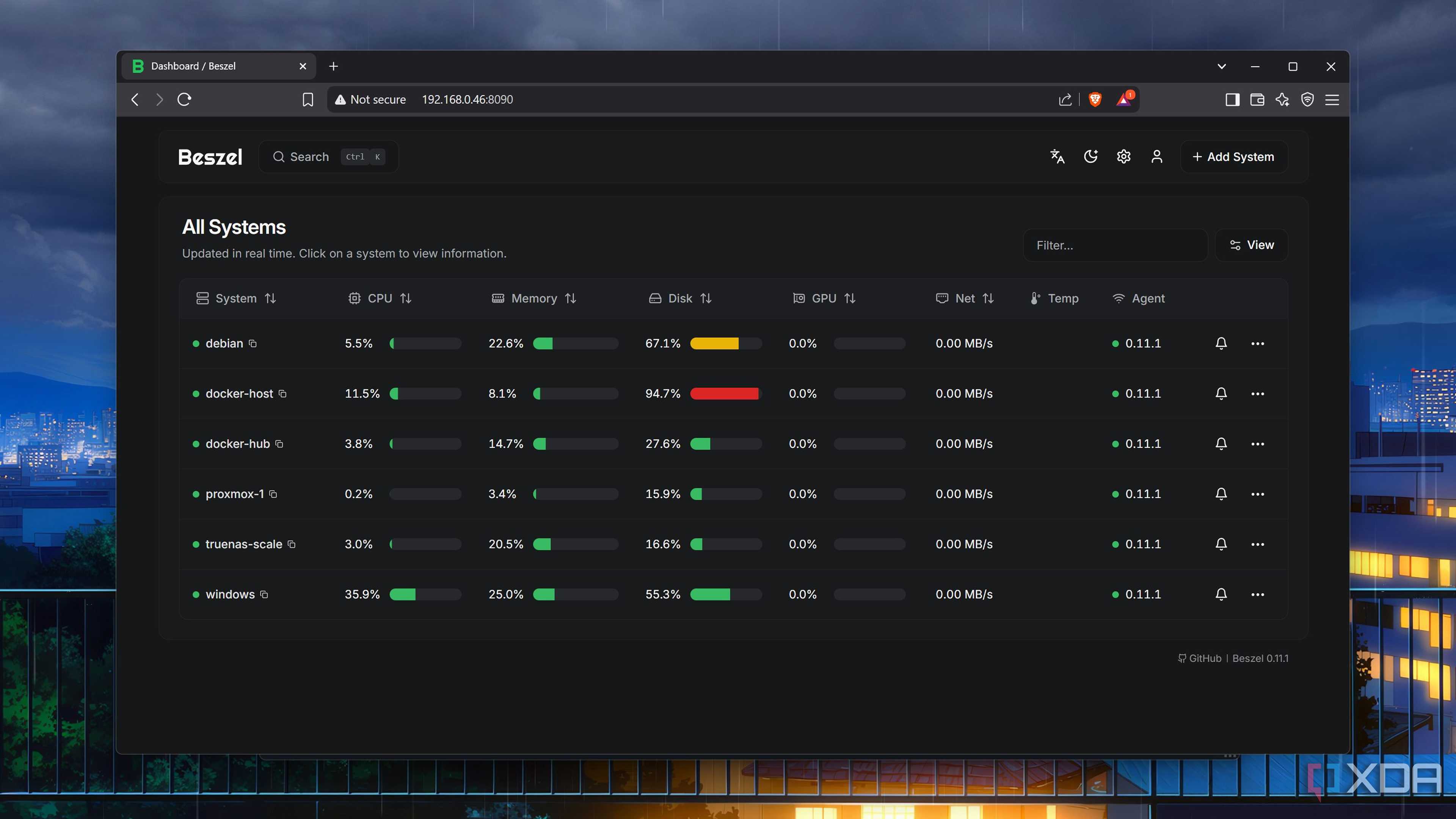
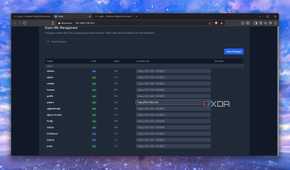
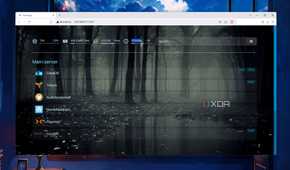
My monitoring suite, for instance, lets me keep an eye on all the containers, virtual machines, and server nodes in my home lab, while my Homepage-based dashboard offers a gorgeous-looking UI to access them. Since my NAS runs 24/7, I’d rather use it to host these services instead of relying on a typical server node that can be brought to its knees by a botched experiment.
Demanding services aren’t meant to be run off a NAS
And you can say the same about GUI VMs

Switching gears to services that don’t mesh well with a storage server, you’d want to avoid hosting containers that require a lot of horsepower. Unless your NAS includes a dedicated graphics card, you might want to avoid running image generators and high-parameter LLMs. Trust me, the last thing you’d want is for your backup machine to become unresponsive due to significant CPU and memory usage.
My storage server relies on ZFS, and the uber-powerful file system consumes a lot of memory. So much, in fact, that I’d rather avoid running virtual machines on it. Unlike containers, VMs need more system resources – to the point that even mid-tier prebuilt NAS chassis can get tuckered out if you try running a couple of virtual machines simultaneously. Since I’ve already got a separate home server, I’d rather not deal with the performance issues of deploying too many virtual machines on my NAS.
Insecure apps are just as terrible for a storage server
I’d rather not risk exposing my precious files to malware

Besides the performance-hogging services, I’d never deploy anything that could compromise my NAS’ security. Call me paranoid if you must, but my NAS houses everything from personal files to dedicated Vaultwarden, Firefly III, and Paperless-ngx instances, and I’d be in a world of hurt if it gets compromised.
While deploying a honey pot sounds like a fun project for my cybersecurity experiments, it’s not something I’d ever run on my NAS – or even my home lab, for that matter. Likewise, my Kali Linux pentesting VMs rest inside a separate Debian-based server. Back when I was in uni, I’d self-hosted web servers on my NAS to test my JavaScript and XML skills, but I never exposed them to anything outside my home network.
As long as you know the limits, you can use NAS units as secondary home lab nodes

My NAS server is primarily meant for retaining my backups, media files, and archived data, so I like to treat it as a storage repository that runs 24/7. As such, Jellyfin, Calibre-Web, and other services that manage lots of data are fair game, and the same holds true for Frigate, which saves hours of surveillance footage onto my NAS every day.
But when it comes to experimental containers and resource-hogging VMs, I’d always recommend spending extra on a dedicated home lab instead of putting your poor NAS through the grinder.
