

Bitbucket is a Git-based code hosting and collaboration platform developed by Atlassian. It allows developers to store, manage, and share their source code in repositories. It helps teams collaborate on projects, track code changes, review code, and manage different versions of an application
Features
- Provides a centralized platform to store, manage, and track source code using Git. Developers can push, pull, and manage code changes while maintaining version history.
- Developers can create separate branches to work on new features or bug fixes without affecting the main codebase. Pull requests allow team members to review, discuss, and approve changes before merging them.
- It enables teams to collaborate on projects and manage repository permissions. Administrators can control who can view, modify, or manage code, helping protect important branches.
- Automates building, testing, and deploying applications. Developers configure workflows in a bitbucket-pipelines.yml file to run tasks automatically when code changes are pushed.
- It integrates with Jira to connect code changes, commits, and pull requests with project tasks and issues. This helps teams track development progress and manage work more efficiently.
Create BitBucket account
Creating an account on BitBucket is very easy. One can start by following the given steps:
Step 1: Visit bitbucket.org and sign up. Enter your email account, name and password. Verify your email by clicking on the link given in your inbox.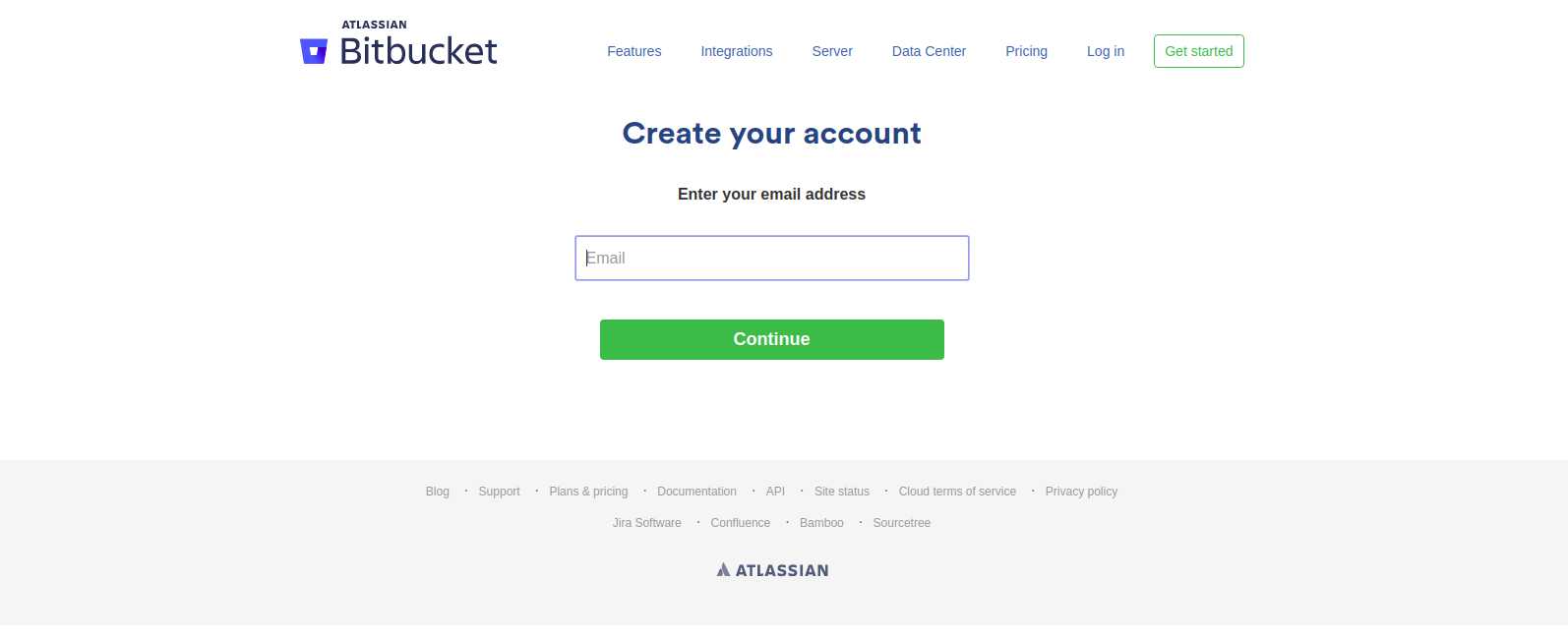 Step 2: After completing the verification, you have to create a unique username for BitBucket Cloud.
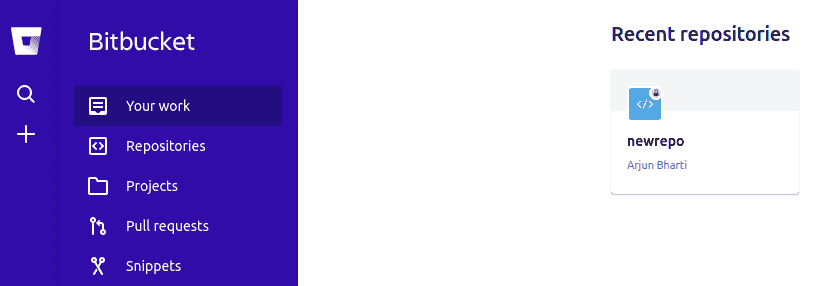
Step 3: Create first repository or import a repository.
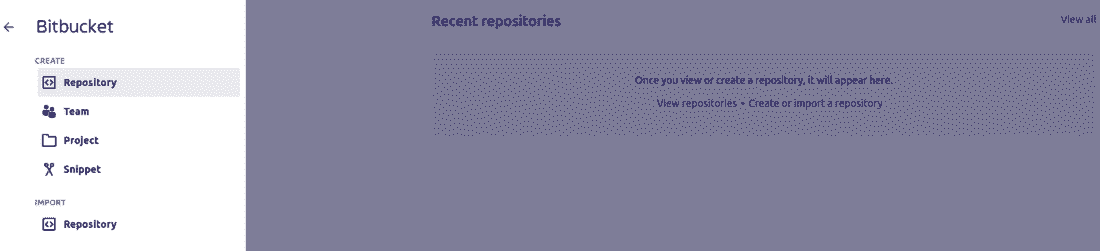
Select the option to include a README file (using a template or tutorial) and proceed by clicking Create Repository.
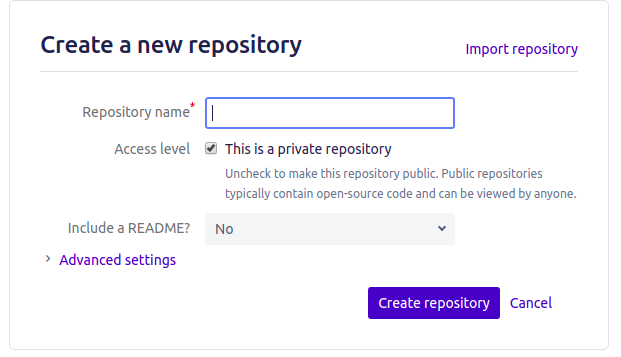 You can now add files, manage notifications, download the repository, and perform other repository management operations.
GitHub vs Bitbucket
GitHub and Bitbucket are Git-based platforms used to host source code, collaborate with developers, and manage software projects. Both support version control and CI/CD workflows.
| Feature | GitHub | Bitbucket |
|---|---|---|
| Integrations | Integrates with a wide range of development and DevOps tools. | Integrates closely with Jira and other Atlassian tools |
| Developer Community | Has a large public open-source ecosystem where developers can discover, contribute to, and collaborate on projects. | Primarily emphasizes code collaboration within teams and organizations. |
| CI/CD Workflow integration | Provides GitHub Actions to automate building, testing, and deployment. | Bitbucket Pipelines offers Pipes, reusable integrations that simplify common CI/CD tasks. |
| Best Suited For | Open-source projects, individual developers, and organizations of all sizes. | Teams that use Jira and prefer Atlassian's development ecosystem. |
Advantages
- Simplifies work with an integrated query management system.
- Allows authentication and linking through GitHub accounts.
- Enables importing repositories from third-party services.
- Free for small teams with unlimited private repositories and academic benefits.
Disadvantages
- Limited PR management features compared to competitors.
- Free private repositories restricted to teams of up to 5 members.
- Integrated tools like SourceTree may cause unexpected errors.
- Does not track details of force push, leading to loss of history.
- Search functionality can be slow and less efficient.
