

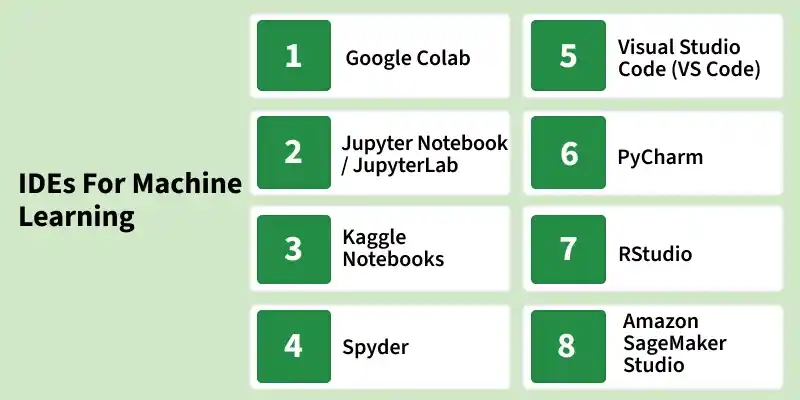
Machine Learning development involves writing and testing code, exploring datasets, training models, visualizing results and managing experiments. Integrated Development Environments (IDEs) and notebook-based platforms provide tools that simplify these tasks by combining code editors, debugging, visualization, package management and other development features in one environment.
Google Colab
Google Colab is a cloud-based notebook environment that lets users write and execute Python code through a web browser without setting up a local development environment.
- Provides access to GPU and TPU computing for supported workloads, subject to availability and usage limits.
- Supports popular machine learning libraries such as TensorFlow, PyTorch and scikit-learn.
- Allows notebooks to be saved and shared through Google Drive.
- Makes it easy to install additional Python packages directly within notebooks.
Jupyter Notebook / JupyterLab
Jupyter Notebook is an open-source interactive environment for creating documents that combine code, text, visualizations and mathematical expressions. JupyterLab extends this experience with a more flexible interface for managing multiple notebooks and development resources.
- Supports Python and other programming languages through different kernels.
- Allows users to execute code in individual cells and inspect results immediately.
- JupyterLab includes features such as tabs, file browsers, terminals and multiple panels.
Kaggle Notebooks
Kaggle Notebooks is a browser-based notebook environment integrated with the Kaggle platform, designed for experimenting with datasets and machine learning models.
- Provides direct access to datasets available on Kaggle.
- Supports machine learning competitions and experimentation within the same platform.
- Offers GPU and TPU acceleration for supported workloads, subject to Kaggle's usage limits.
- Allows users to publish and share notebooks with the Kaggle community.
Spyder
Spyder is an open-source Python IDE designed for scientific computing, data analysis and machine learning development.
- Provides a code editor with syntax highlighting, code completion and debugging features.
- Its Variable Explorer allows users to inspect and modify variables, arrays and data structures.
- Includes an interactive console for executing Python commands and testing code.
- Supports code-cell execution for interactive experimentation within Python scripts.
Visual Studio Code (VS Code)
Visual Studio Code (VS Code) is a lightweight source-code editor that can be customized for machine learning through extensions and development tools.
- Provides Python support with features such as IntelliSense, debugging and code navigation.
- Supports Jupyter notebooks through dedicated extensions.
- Provides an extensive extension ecosystem for ML frameworks, databases and development workflows.
- Supports multiple programming languages, making it useful for projects involving different technologies.
PyCharm
PyCharm is a Python-focused IDE from JetBrains that provides an integrated environment for developing and maintaining Python-based machine learning projects.
- Provides intelligent code completion and navigation across large Python projects.
- Includes tools for debugging, testing and code refactoring.
- Supports virtual environments and Python package management.
- Provides Git and other version-control integrations.
RStudio
RStudio is an integrated development environment from Posit designed primarily for R programming, statistical analysis and data science.
- Provides a workspace for writing R code, viewing outputs and managing project files.
- Includes tools for data visualization and statistical analysis.
- Supports R Markdown and Quarto for creating documents that combine code, text and results.
Amazon SageMaker Studio
Amazon SageMaker Studio is a web-based development environment within Amazon SageMaker for building and managing end-to-end machine learning workflows.
- Provides tools for preparing data, developing models and running training jobs.
- Supports experiment management and model evaluation.
- Supports collaborative development through shared ML resources and project workflows.
Databricks Notebooks
Databricks Notebooks provide a collaborative environment for developing data engineering, analytics and machine learning workflows on the Databricks platform.
- Supports Python, SQL, Scala and R.
- Integrates with Apache Spark for processing large datasets.
- Supports machine learning workflows through tools such as MLflow.
- Connects notebook-based development with Databricks' data storage, processing and governance capabilities.
