

The File.WriteAllLines() method is used to write a collection of strings to a text file, with each string written on a separate line. It belongs to the System.IO namespace and automatically creates, writes to, and closes the file.
- Creates a new file if the specified file does not exist.
- Overwrites the existing file content if the file already exists.
- Supports string arrays, IEnumerable<string> collections, and different character encodings.
using System;
using System.IO;

class Geeks{
    static void Main(){

        // Create an array of strings
        string[] contents = { "Hello", "Welcome to C#" };

        // Write strings to a file
        File.WriteAllLines("file.txt", contents);

        // Display the file content
        Console.WriteLine(File.ReadAllText("file.txt"));
    }
}
Output
Hello
Welcome to C#
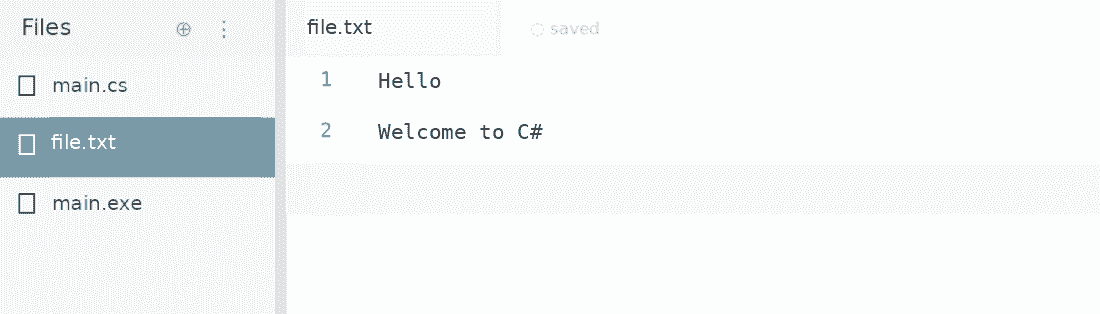
Explanation: The File.WriteAllLines() method creates file.txt and writes each string on a separate line. If the file already exists, its contents are overwritten.
Generated file: file.txt
Syntax
File.WriteAllLines(path, contents);
Here:
- path: Specifies the location and name of the file.
- contents: Contains the strings to be written to the file.
- encoding (optional): Specifies the character encoding, such as UTF-8 or Unicode.
Overloads of File.WriteAllLines() Method
The File.WriteAllLines() method provides four overloads to write strings to a file.
1. File.WriteAllLines(String, String[])
This overload writes an array of strings to a file using the default UTF-8 encoding without a byte order mark (BOM).
Syntax:
public static void WriteAllLines(string path, string[] contents);
using System;
using System.IO;

class Geeks{

    static void Main(){

        // Create an array of strings
        string[] lines = { "Apple", "Banana", "Mango" };

        // Write the array to a text file
        File.WriteAllLines("fruits.txt", lines);

        // Read and display the file content
        Console.WriteLine(File.ReadAllText("fruits.txt"));
    }
}
Output
Apple
Banana
Mango
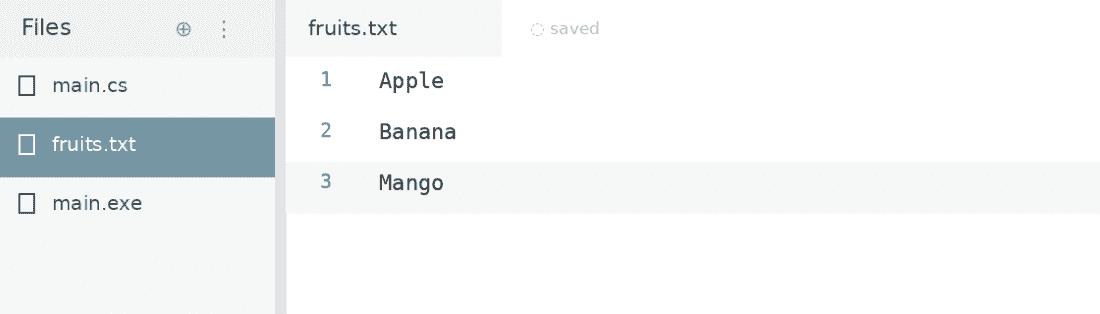
Explanation: The method creates fruits.txt and writes each array element on a separate line. If the file already exists, its previous content is replaced.
Generated File: fruits.txt
2. File.WriteAllLines(String, String[], Encoding)
This overload writes an array of strings to a file using the specified character encoding.
Syntax:
public static void WriteAllLines( string path, string[] contents, Encoding encoding);
using System;
using System.IO;
using System.Text;

class   Geeks{

    static void Main(){

        // Create an array of strings
        string[] lines = { "Hello", "Welcome to C#", "File Handling" };

        // Write strings using Unicode (UTF-16) encoding
        File.WriteAllLines("message.txt", lines, Encoding.Unicode);

        // Read and display using the same encoding
        Console.WriteLine(
            File.ReadAllText("message.txt", Encoding.Unicode));
    }
}
Output
Hello
Welcome to C#
File Handling
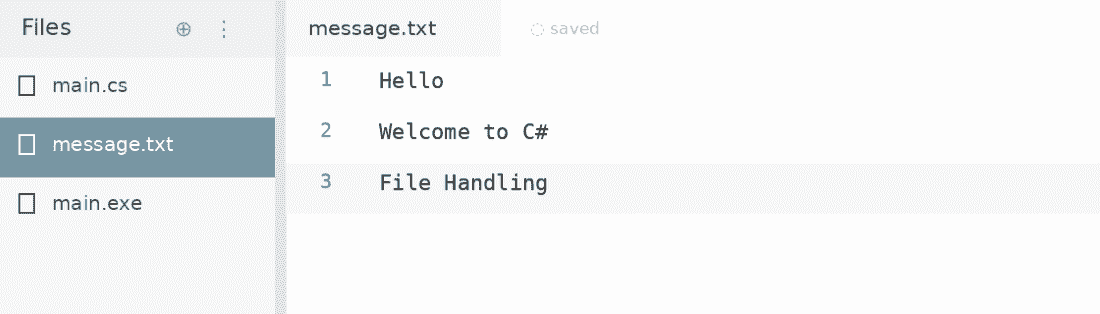
Explanation: The method writes all strings to message.txt using UTF-16 little-endian encoding specified by Encoding.Unicode.
Generated File: message.txt
3. File.WriteAllLines(String, IEnumerable<String>)
This overload writes strings from a collection implementing IEnumerable<string>, such as List<string> or HashSet<string>, to a text file.
Syntax:
public static void WriteAllLines( string path, IEnumerable<string> contents);
using System;
using System.IO;
using System.Collections.Generic;

class Geeks{
    static void Main(){

        // Create a list of programming languages
        List<string> languages = new List<string>
        {
            "C#",
            "Java",
            "Python"
        };

        // Write the collection to a file
        File.WriteAllLines("languages.txt", languages);

        // Read and display the file content
        Console.WriteLine(File.ReadAllText("languages.txt"));
    }
}
Output
C#
Java
Python
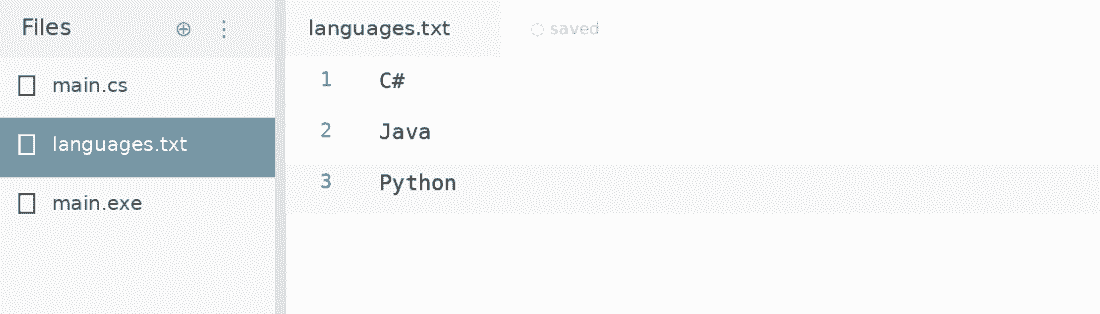
Explanation: The method writes each element of the List<string> collection into languages.txt using the default UTF-8 encoding.
Generated File: languages.txt
4. File.WriteAllLines(String, IEnumerable<String>, Encoding)
This overload writes a collection of strings to a file using a specified character encoding.
Syntax:
public static void WriteAllLines( string path, IEnumerable<string> contents, Encoding encoding);
using System;
using System.IO;
using System.Text;
using System.Collections.Generic;

class Geeks{
    static void Main(){

        // Create a list of student names
        List<string> students = new List<string>
        {
            "Rahul",
            "Priya",
            "Amit"
        };

        // Write the collection using UTF-8 encoding
        File.WriteAllLines("students.txt", students, Encoding.UTF8);

        // Read and display the file content
        Console.WriteLine(
            File.ReadAllText("students.txt", Encoding.UTF8));
    }
}
Output
Rahul
Priya
Amit
Explanation: The method writes all elements of the List<string> collection into students.txt using the specified UTF-8 encoding.
Generated File: students.txt

Exceptions in File.WriteAllLines() Method
The method may throw exceptions in the following situations:
- ArgumentNullException: When a required argument, such as path or contents, is null.
- ArgumentException: When the file path is invalid under the applicable .NET version's rules.
- UnauthorizedAccessException: When the application does not have permission to write to the file.
- DirectoryNotFoundException: When the specified directory does not exist.
- IOException: When an I/O error occurs during file operations.
- PathTooLongException: When the file path exceeds supported length limits.
Important Points
- The method automatically closes the file after writing.
- Each string is written as a separate line using the platform's line terminator.
- It overwrites existing content rather than appending new lines.
- Overloads without an encoding parameter use UTF-8 without BOM.
- To append lines without removing existing content, use File.AppendAllLines().
- For very large files or incremental writing, StreamWriter may be more suitable.
